powershell / ai / agents
Microsoft's Intelligent Terminal, Meet My PowerShell Agent
A custom PowerShell agent, live objects, and a script you can take beyond the conversation.
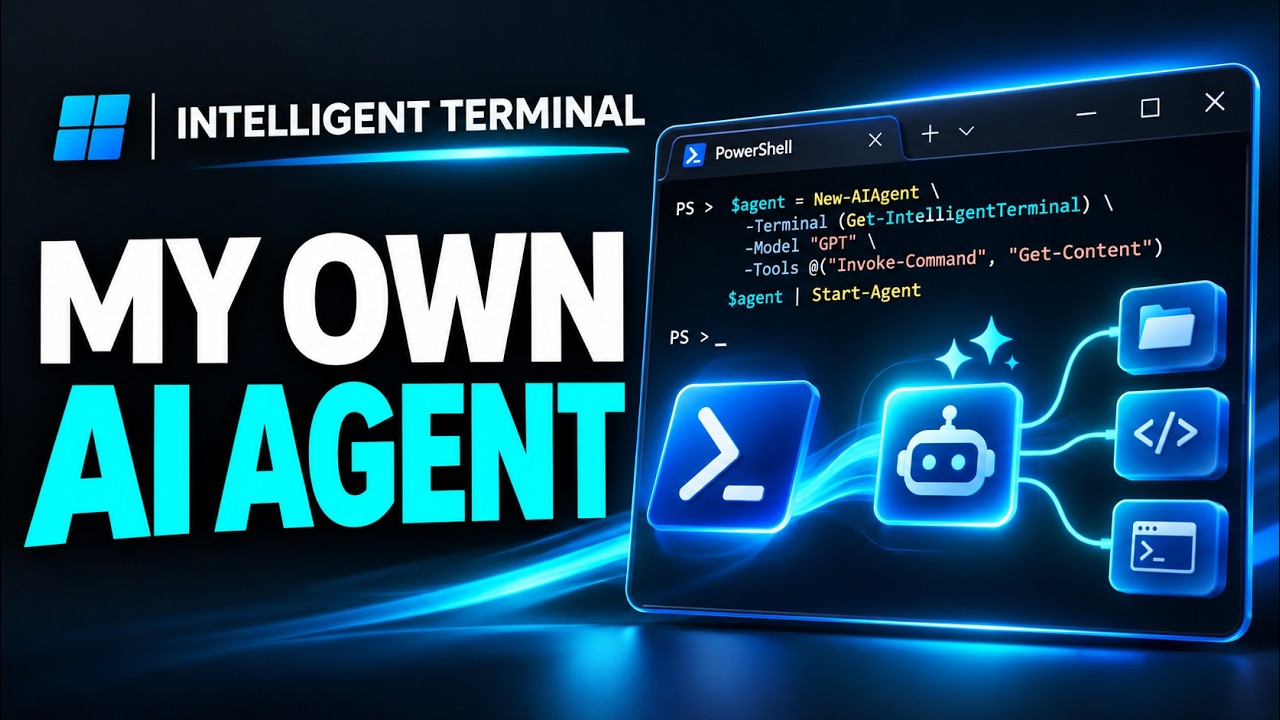
What happens when you connect your own PowerShell agent to Microsoft’s Intelligent Terminal?
I built one to find out. In this short demo, I ask it to explore running processes, work with the results in a follow-up, and save the idea as a script I can run in another PowerShell console.
🎦 Watch the short demonstration
A terminal that can talk to agents
Microsoft’s Intelligent Terminal is an experimental application built on Windows Terminal with support for AI agents. It works with agents that speak the Agent Client Protocol, or ACP, a way for an application and an agent to communicate.
That got me thinking: what if the agent were built in native PowerShell? So I built a custom PowerShell agent harness and connected it to Intelligent Terminal.
From a conversation to a script
In the video, I ask the agent about running processes and have it keep the resulting PowerShell objects in memory. Then I follow up using those same objects, without starting the process query over.
The live objects stay in the agent’s PowerShell runspace for that conversation. The model sees a formatted view and object metadata, and can ask PowerShell to work with the objects. Saved chat history does not automatically restore those live objects after a restart.
Next, I ask the agent to turn the idea into a standalone PowerShell script. I switch to a separate PowerShell console and run it there.
That’s the part I find interesting: the conversation is a place to explore, but the work doesn’t have to stay in the conversation.
See it live
I’ll be demonstrating Intelligent Terminal and my PowerShell agent on Wednesday, November 18, 2026 at 6:00 PM Eastern. We’ll look at the object workflow, save and run a script, and explore a couple of other Intelligent Terminal features.
🔗 Join the Meetup: Microsoft’s Intelligent Terminal: Meet My PowerShell Agent